

AUTOMATED ORDER PROCESSING
From order to dispatch automatically.
Bookings arrive via interface, portal, or Excel upload, and become validated, dispatched shipments without manual touch. Equipment fit, dangerous-goods rules, and data completeness checked on every order. Complex bookings split into the right legs for the right carriers across rail, truck, barge, and short-sea.
WHAT IT DOES
Three capabilities that take order intake hands-off.
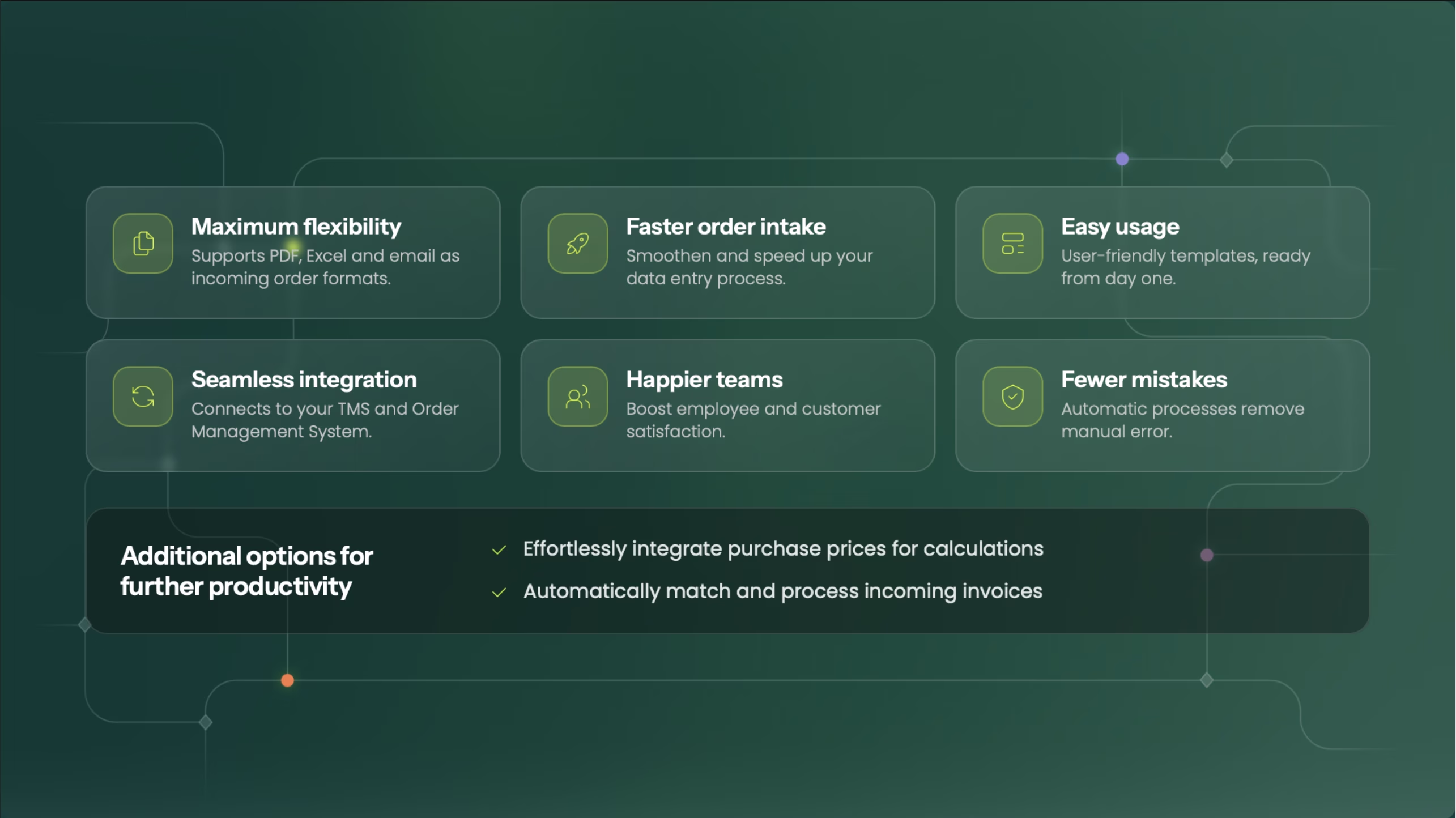
Multi-channel intake, validation built in, and automatic order breakdown. Each one a major reason why TMS customers cut manual work by up to 90%.
One platform. Every channel. No copy-paste.
Multi-channel intake
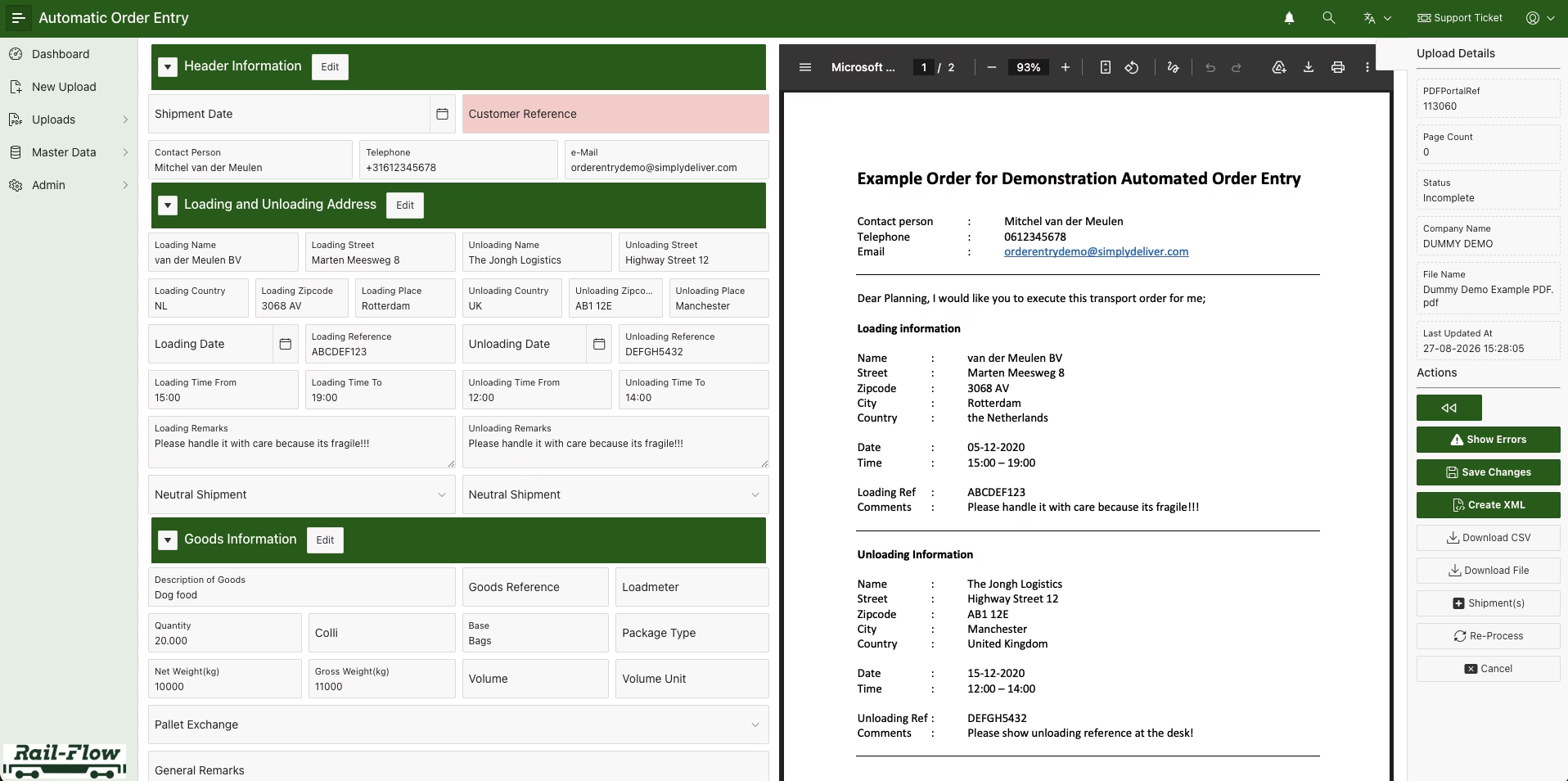
Customer orders arrive via the channels your customers actually use - interface (EDI / REST / API), customer portal, Excel template upload, email, PDF, and Word. The AI Document Processor reads unstructured documents - invoices, price lists, orders, wagon lists - in multiple languages and converts them into structured orders ready for validation. Contract-based templates handle the recurring shipments without any input at all.

Every order. Every rule. Before dispatch.
Validation on every order
Three layers of validation run on every order: commercial (contract match, pricing, paying-party), transportation (equipment fit, NHM codes, dangerous goods per RID), and data completeness (mandatory fields, container number check, customs flags). Dakosy-standard DG checks and PIN code generation are built in for intermodal. Double-booking prevention catches duplicates before they reach dispatch. Errors surface on intake, not on the train.
Multi-dimensional validation on every order
Every order passes a multi-dimensional validation gate before it can move forward, checked along three dimensions at intake: commercial, transportation, and data completeness. So if there's a problem, it's caught the moment the order enters the system, not downstream at dispatch.
Booking security via PIN code
As part of the checks that run on every order, the system generates a unique PIN for each booking. It acts as a security key that ties the booking to an authorised pickup, so a unit can't simply be collected by whoever turns up.
Double-booking prevention
Duplicate detection runs as part of booking validation, catching duplicates before the order reaches dispatch, which is the concrete version of "errors surface on intake, not on the train.
_converted.avif)
One booking. Every leg. Every carrier.
Auto-split & dispatch across modes
Commercial orders break into operational orders automatically: per leg, per carrier, per mode. A door-to-door booking sends the rail leg to the RU, the terminal slot to the terminal operator, the first-mile and last-mile to the trucker, and the ferry slot to the short-sea operator, each in the right format, on the right channel, in the right partner system. Pre-calculation runs at the same moment so cost and revenue per leg are visible before commitment.

SEE AOP LIVE
Bring your messiest order channel. We will show how AOP handles it.
Get a personalised walkthrough on how AOP ingests, validates, and dispatches your actual booking mix, across the channels and partners you already use.
Frequently asked questions
Common questions about Automated Order Processing.
Have a question that's not covered here? Reach out and we'll get back to you within one business day.

Customer portal, EDI / REST / API interface, Excel template upload, email, PDF, and Word. The AI Document Processor handles unstructured documents — orders, invoices, price lists, wagon lists — in multiple languages. Custom channels can be added through the standard integration framework.
Three layers: commercial (contract match, paying party, pricing), transportation (equipment fit, NHM, dangerous goods per RID, container number, customs flags), and data completeness. For intermodal, Dakosy-standard DG checks and PIN code generation are built in. Double-booking prevention catches duplicates on intake.
Every extraction comes with a confidence score. You set the threshold for hands-off vs. manual review. Documents below threshold land in an approval workflow with the extracted fields pre-filled — your team confirms or corrects in seconds, not minutes.
Yes. A door-to-door commercial order breaks into operational orders per leg, per carrier, per mode — rail to the railway undertaking, terminal slot to the terminal operator, first-mile and last-mile to the trucker, and ferry slot to the short-sea operator. Each lands in the right partner system in the right format.
AOP is the entry point of the TMS and ITMS. Validated orders flow into Planning, Dispatch, Track & Trace, and Invoicing automatically. The same intake feeds ROM (offer-to-contract) and Fleet Management (wagon provision orders) without re-entry.
RELATED MODULES
What sits on either side of AOP.
Order intake is one step in the order-to-cash chain. These connect natively to AOP.
Real-Time Track & Trace
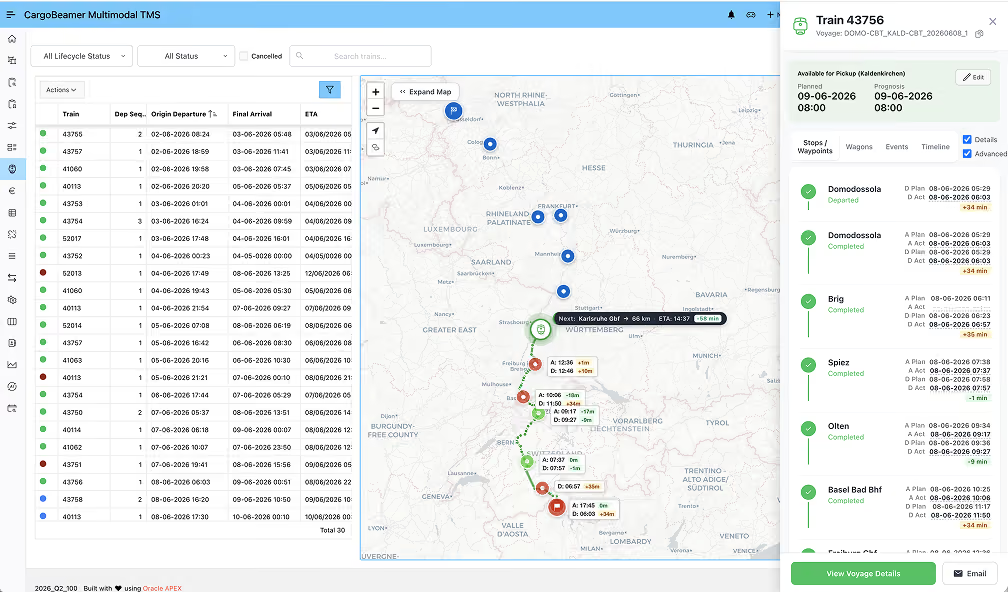
Live ETD / ETA, proactive deviation alerts, and customer-facing visibility — fed by the same order data AOP creates.
Invoicing & Commercial Closing
Every transport closes on actual service performed. AOP's pre-calculation and validated contract data feed straight into invoicing.
Full TMS
AOP is one feature of the Transport Management System. See planning, dispatch, deviation handling, and invoicing in one platform.